The Contact Us screen in the Share app displays your campus address, phone number, email address, website, and a staff directory.
To edit your contact information or website:
- Log into the Admin Console.
- Open the Campus Community.
- Select Settings.
- Click Contact Info.
- Edit as needed, then click Save.
To edit the members listed in the Staff Directory:
- Log into the Admin Console.
- Open the Campus Community.
- Select Directory.
- Click Staff.
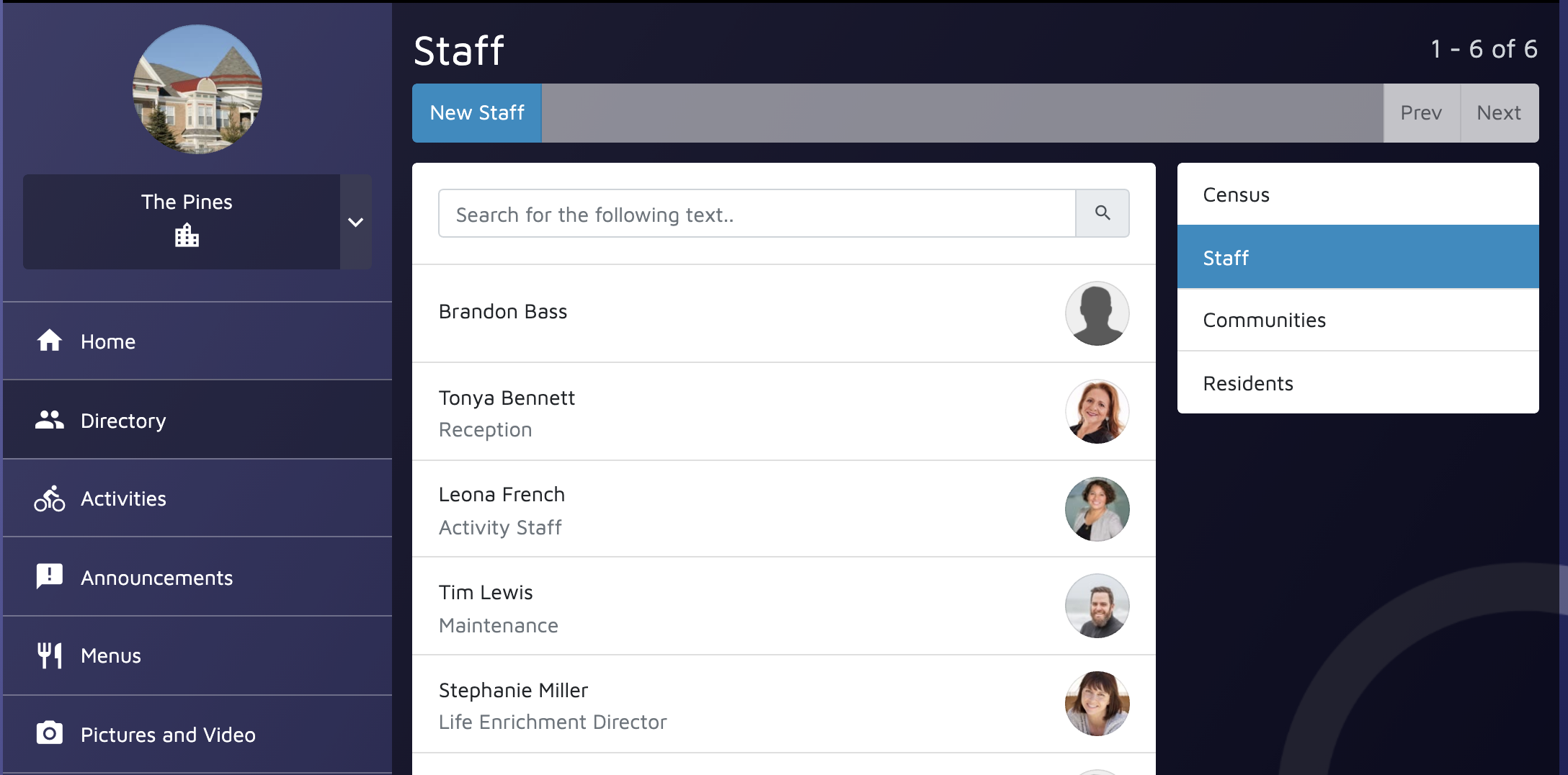
The Staff page displays all staff accounts set up or your campus and care units. There is an option to show or hide staff members on the SHARE app.
To do so:
- Select the desired staff member.
- Click Settings.
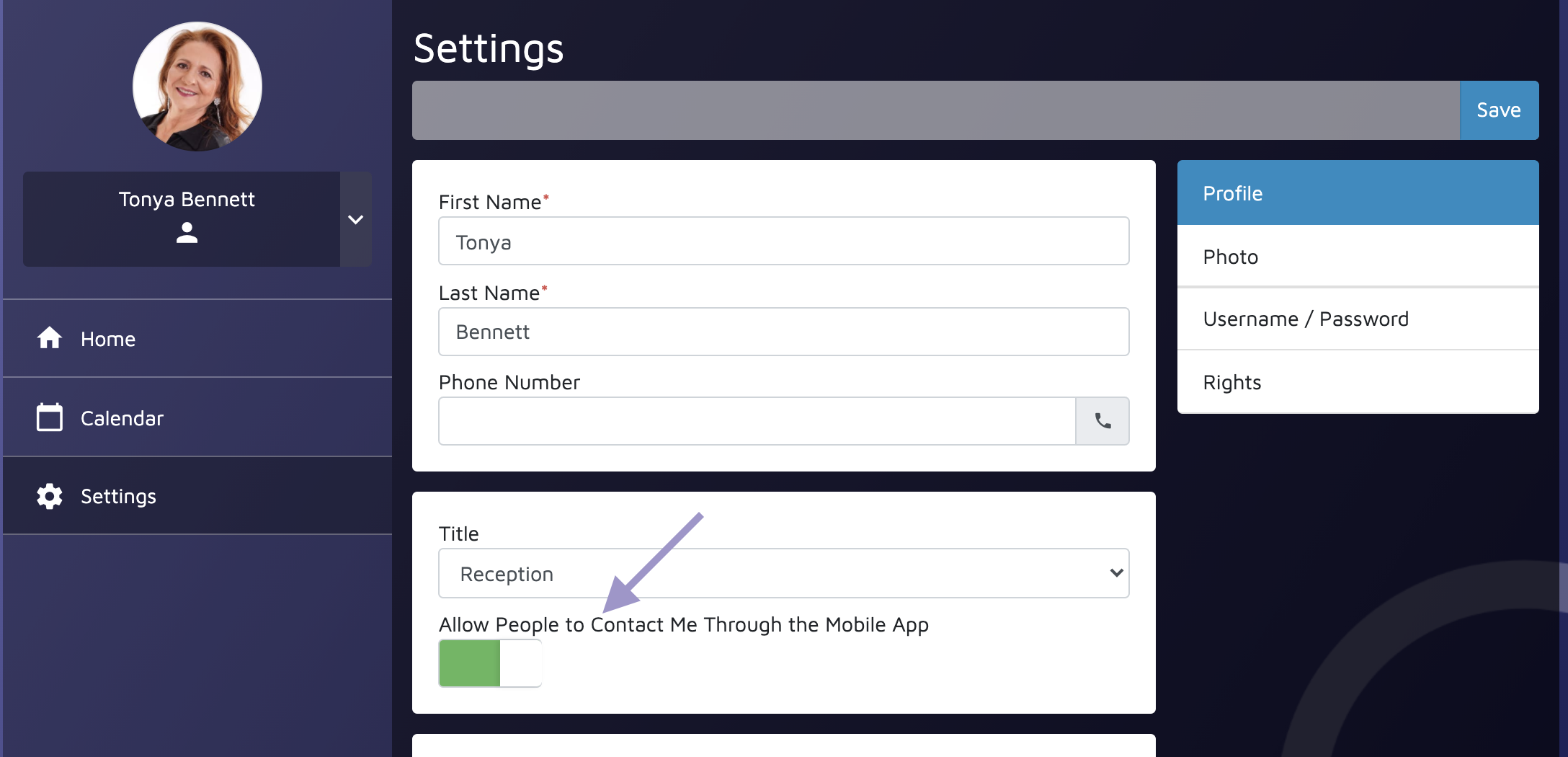
- In their profile settings, toggle Allow People to Contact Me Through the Mobile App on.
- Click Save.
Note: This option is also available on the Create New Staff Account page, but is toggled off by default.